

| # Connecting to SiliconFlow | |
| SiliconFlow leverages its proprietary inference engine to deliver efficient acceleration for large language model inference. It provides high-performance, cost-effective API services for a wide range of large models with pay-as-you-go pricing, making application development a breeze. | |
| ## Configuring the Chat Model | |
| Navigate to the SiliconFlow [API Keys](https://cloud.siliconflow.cn/me/account/ak) page and create a new API Key. Save it for later use. | |
| Visit the SiliconFlow [Models page](https://cloud.siliconflow.cn/me/models) to select your desired model. Note down the model name for later use. | |
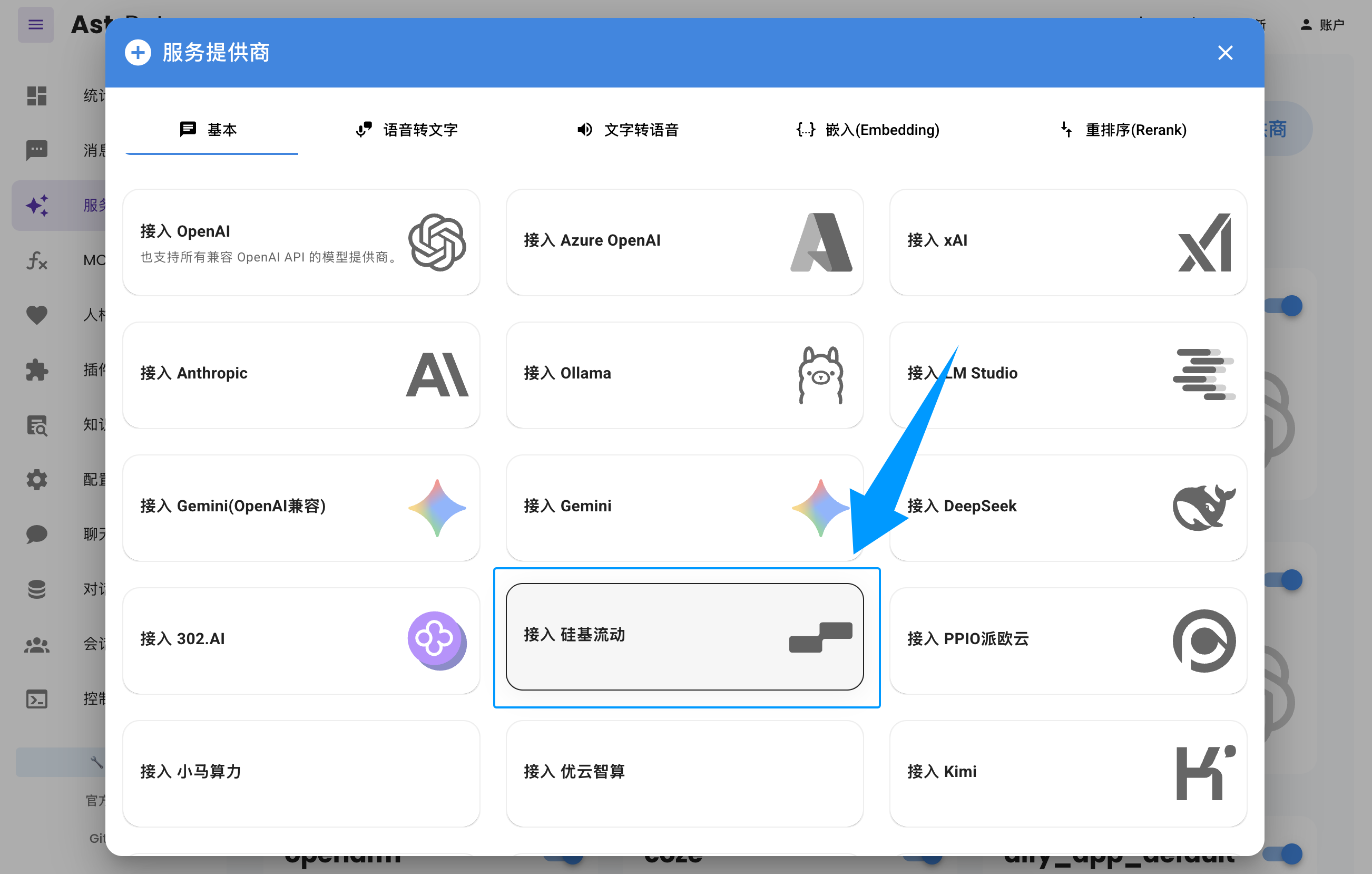
| Open the AstrBot WebUI, click `Service Providers` in the left sidebar -> `Add Provider` -> select `SiliconFlow`. | |
| Paste the `API Key` and `Model Name` you obtained earlier, then click Save to complete the setup. You can click the `Refresh` button under `Service Provider Availability` to verify whether the configuration is successful. | |
|  | |