Three Steps to Keep LogSeq in Sync with all Devices
Community Article Published
October 15, 2024

How to Setup and Use LogSeq Sync
If you don't want to go through all these steps but still want to sync across multiple devices (I'm an Apple guy 😊), there is a workaround I want to share with you here.
Outline of Steps
- Create a New Graph in LogSeq
- Select a Folder in iCloud
- Trigger a Resync on Each Device
Let's dive into how this works with a quick example using an Apple Mac and iPhone.
Step-by-Step Guide
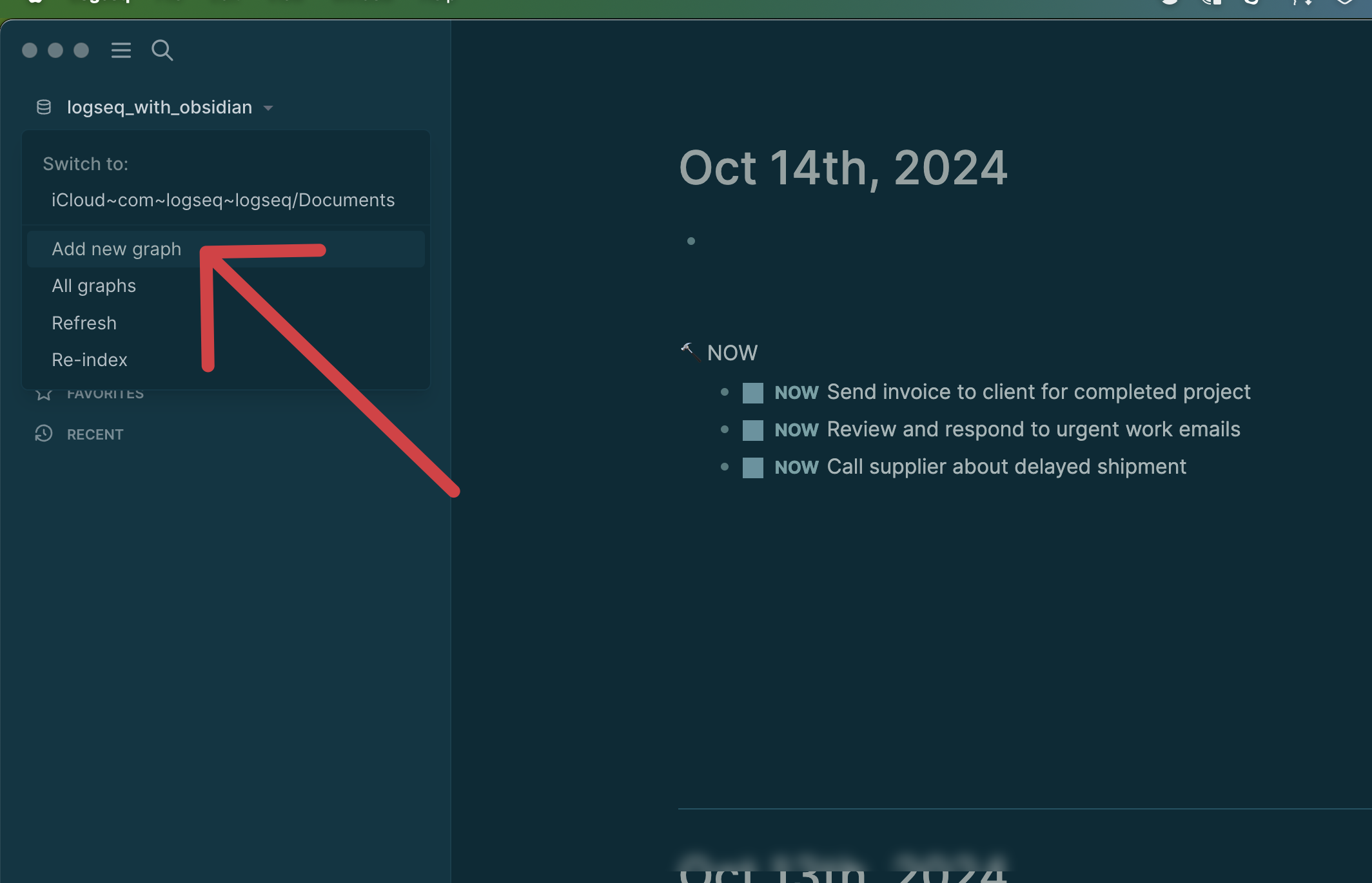
1. Create a New Graph (Mac)
First, create a new graph in LogSeq.
2. Select a Folder in iCloud
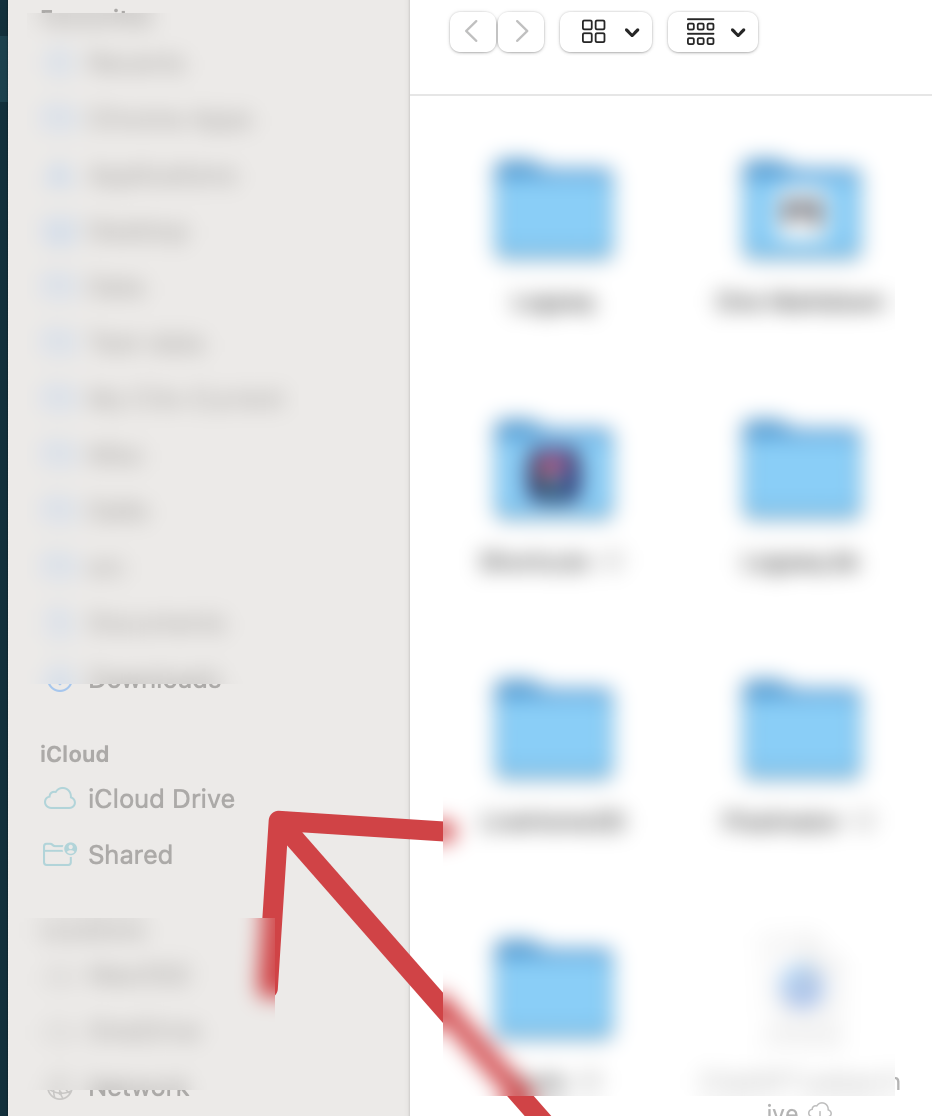
Next, select any folder in your iCloud.
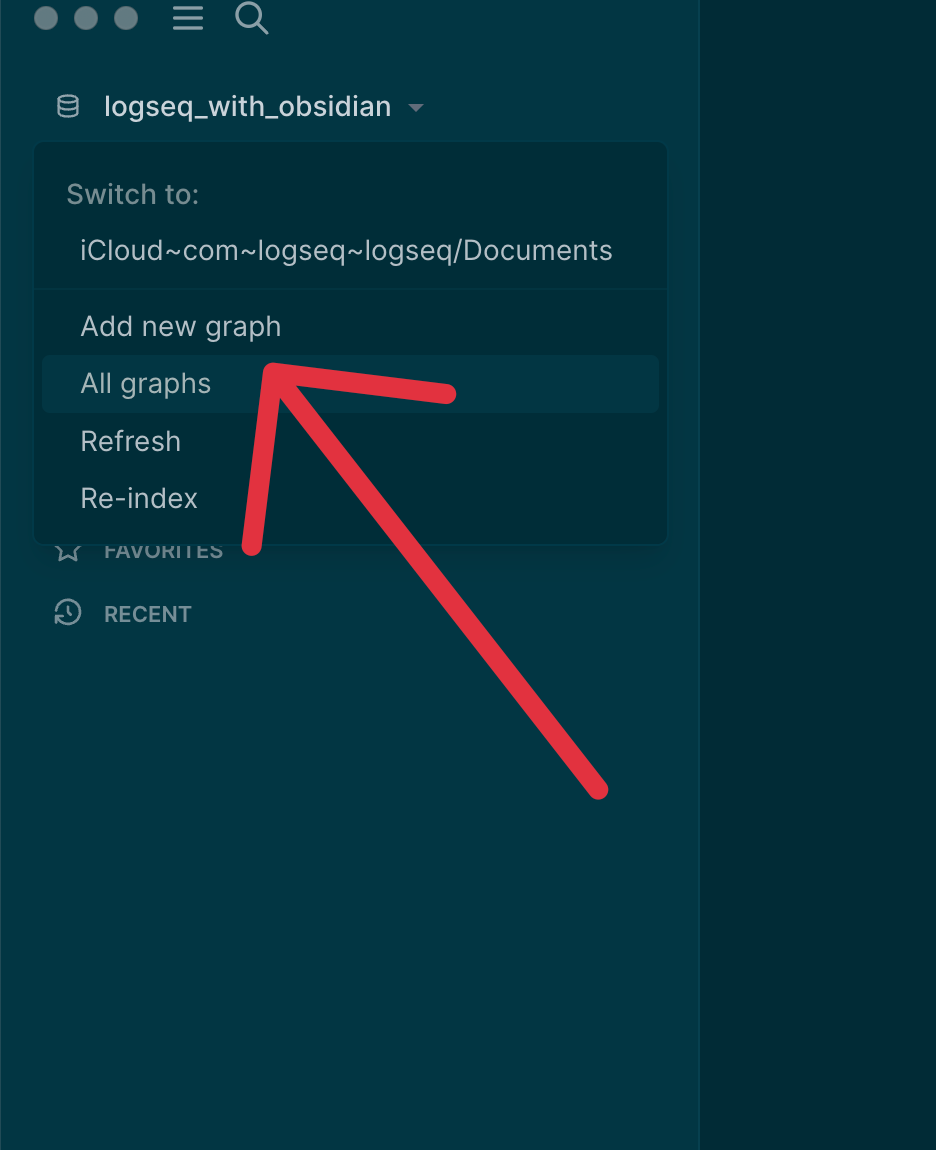
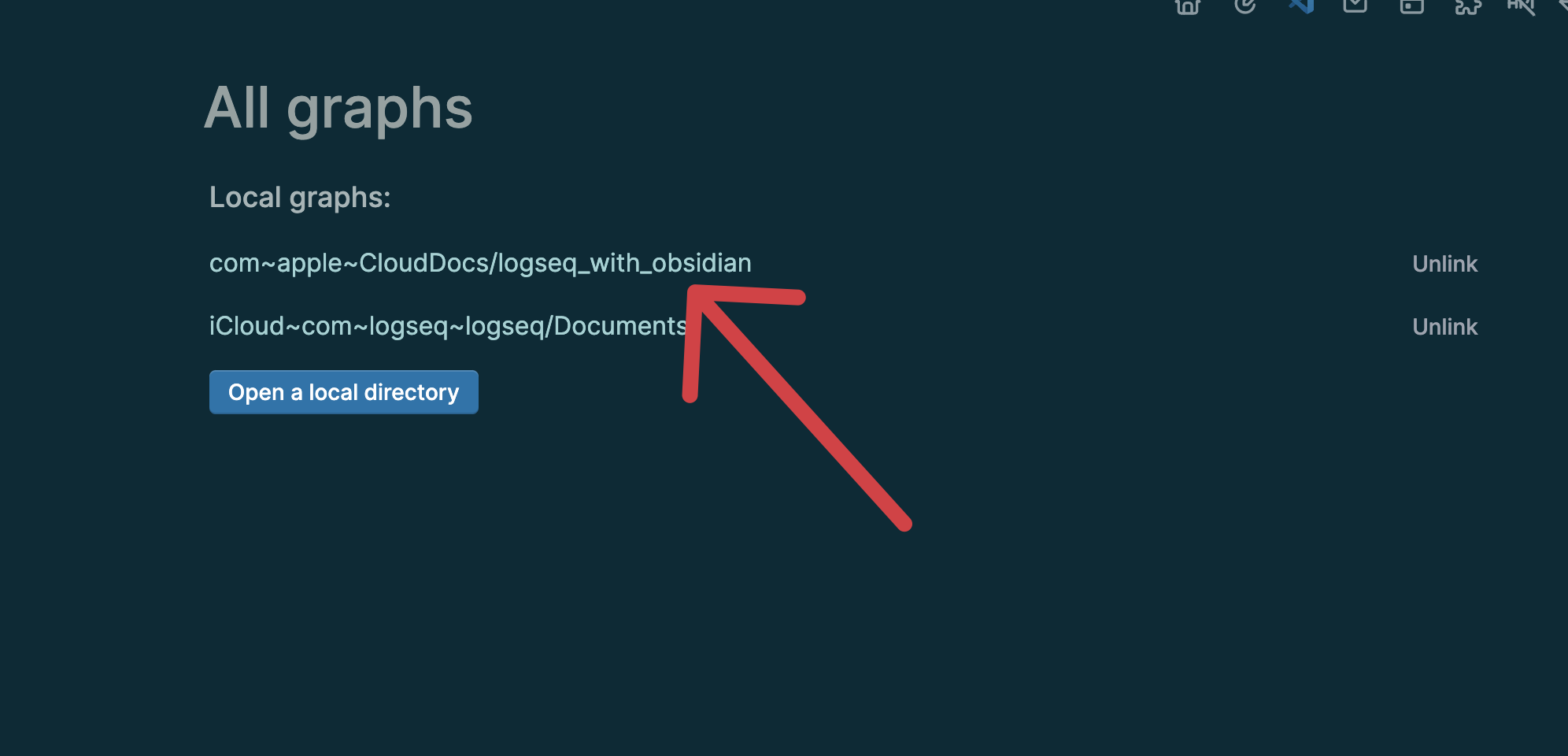
After creating the new graph, go to "All Graphs." You should now see a link to the newly created graph in iCloud.